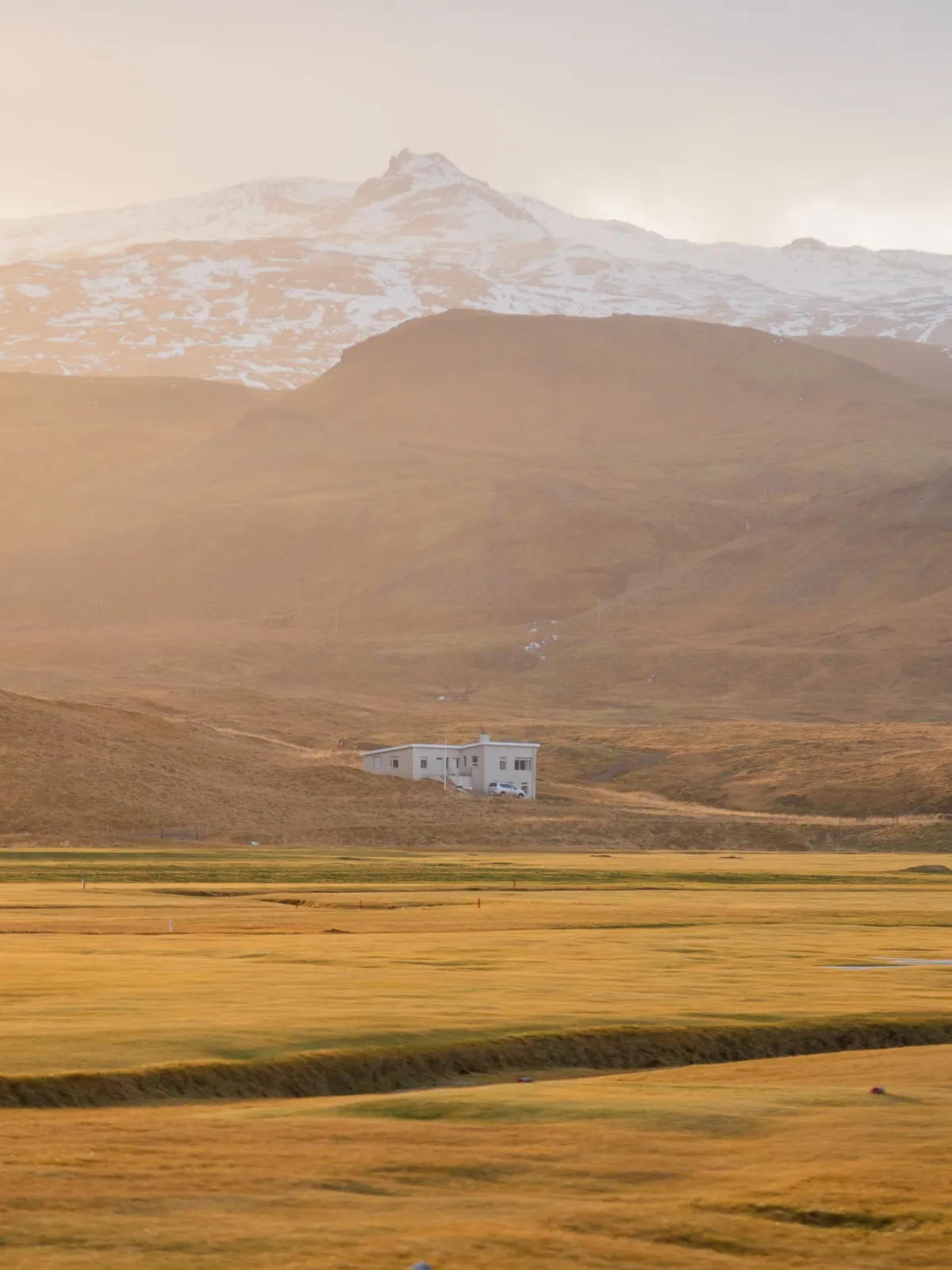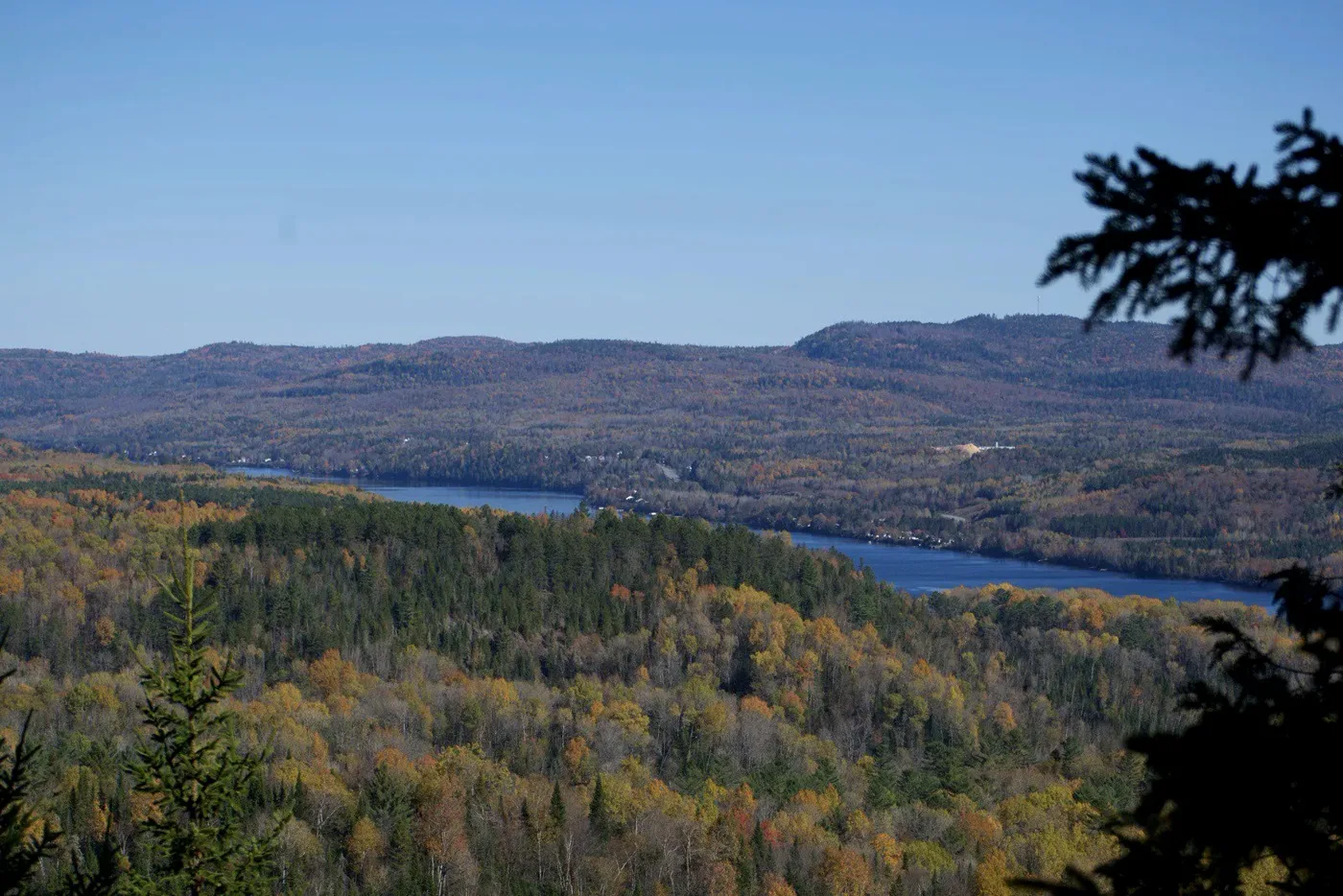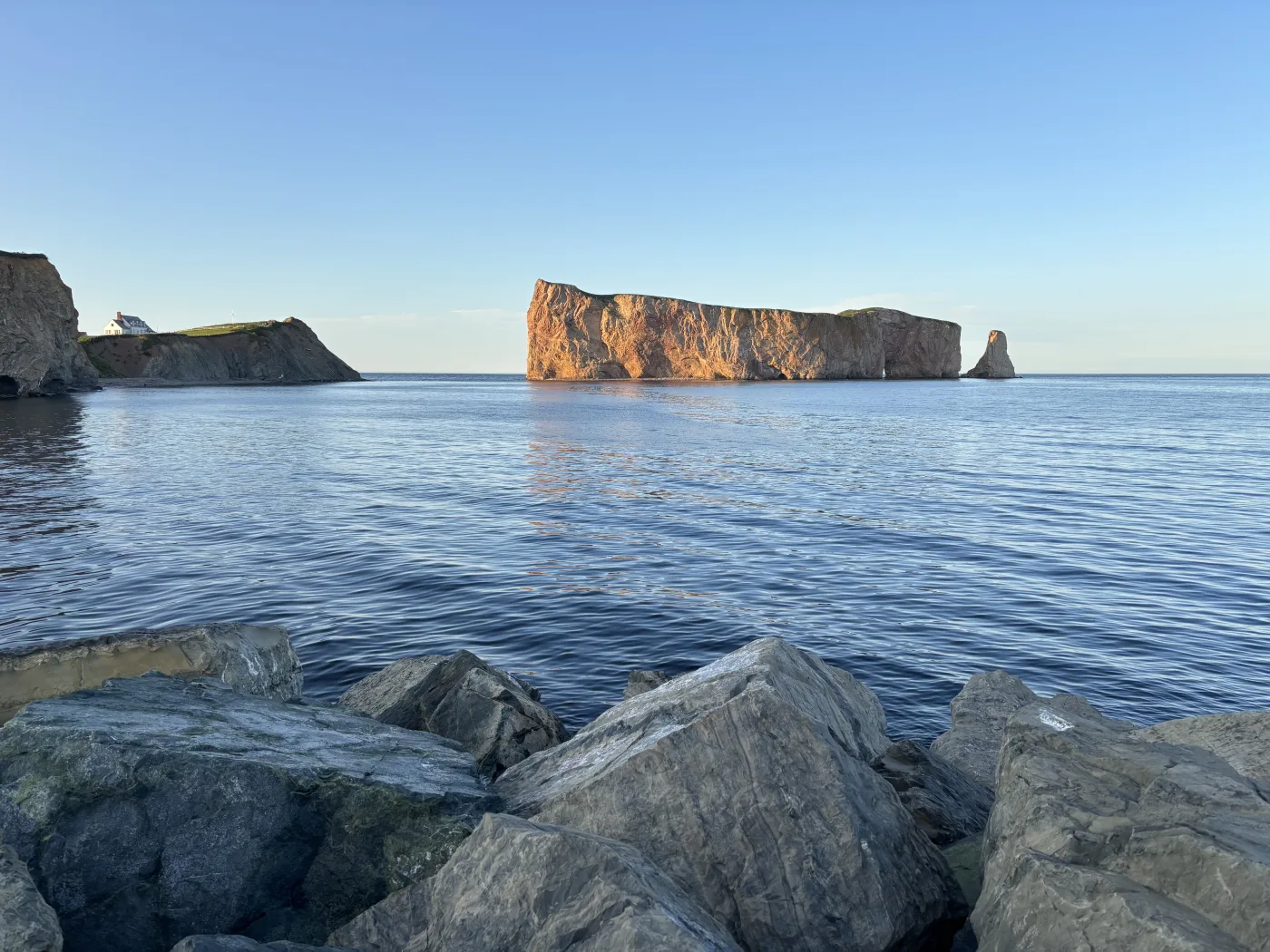
The headland across the bay is the whole reason you stopped. In the photograph it is a grey line above the water, and the sky owns four fifths of the frame.
That gap between what the eye reports and what the file holds is arithmetic, not a defect.
The short answer
A subject's size in the frame is set by the angle it covers from where you stand. Distance divides that angle; focal length multiplies it. Nothing else changes it, and of the two, only distance is free.
So the question is never "why is my phone so wide" but "where was I standing". On the shore, the answer is usually that you stood 3 km away and asked a 73° lens to make the coast feel close.
The sum that decides the shot
Take a headland 80 m high, 3 km away, and a phone at 1× whose Main camera is 24 mm equivalent — Apple's default on current models, 26 mm on iPhone Air and Duo. In 4:3 that lens covers about 59° top to bottom.
The headland covers 2 × arctan(40 / 3000), which is 1.5°. Divide 1.5 by 59 and it takes 2.4% of the frame height: 25 pixels in a 1050-pixel-tall photo.
Change the distance:
- At 1 km: the angle grows to 4.6°, and the headland is 75 pixels tall. Two thirds of the walk was worth three times the size.
- At 300 m: 15°, 249 pixels. Now it is a quarter of the frame, and the foreground rock has a shape.
- At 2× from the original spot: 50 pixels. The button doubled it; doubling 25 is still 50.
A step forward beats the zoom control whenever the step is possible. When it is not — an island, a mountain, a bank across a river — the zoom is the only lever left.
What the 2× button buys
On a phone whose Main lens is 24 mm, 2× is 48 mm equivalent: half the field of view, so a subject twice as tall and four times the area. On models with a dedicated telephoto camera the button switches to a second lens; on others it is a crop of the Main sensor, which is why 2× so often matches a crop made later in Photos.
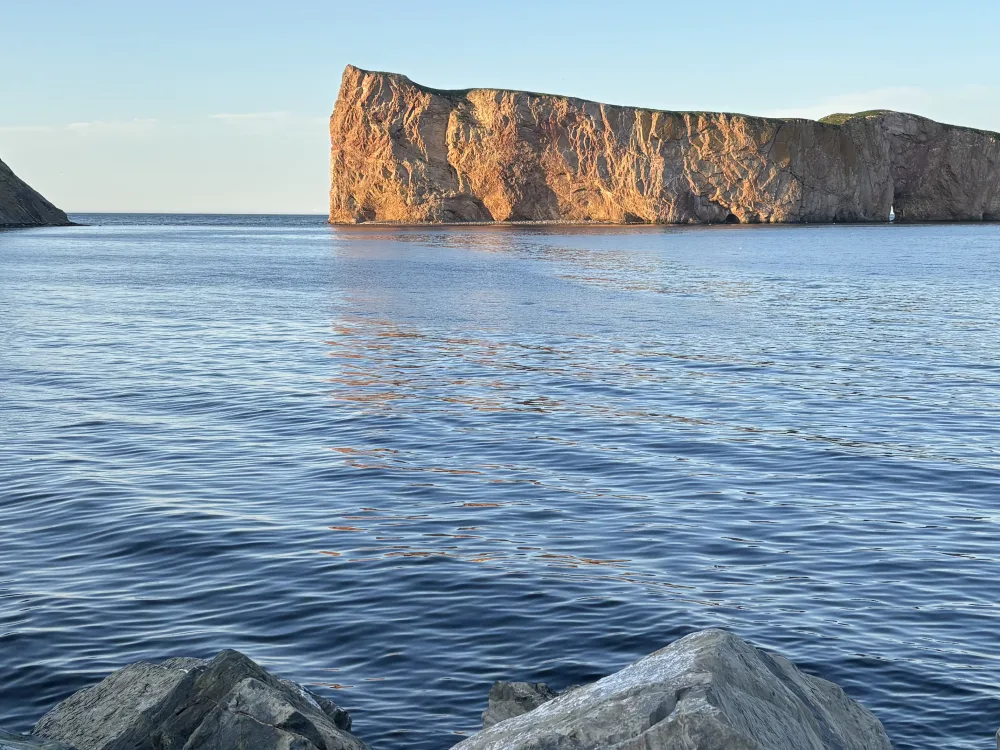
The cost is what leaves the frame. Standing where you stood, 2× throws away the near rock, the wet stone at the bottom, the width of the bay — the things that told a reader how far away the coast was. You gain size and lose scale.
The pixel cost is smaller than people fear: a 24.5-megapixel file cropped to the middle half is 6.1 megapixels, enough for a screen or a large print. Pinching past the last optical step is another matter — the phone enlarges what it already recorded, and the coast turns to mush at the size where it finally looks big.
What distance does that the lens cannot
A 2× shot from 3 km and a 1× shot from 1 km can give the headland the same height in the frame. They will not look alike.
From far away the near rock, the water and the cliff are all distant, and their relative sizes flatten: the coast sits on the water like a cut-out. From closer, the foreground rock is enormous, the water is wide, and the cliff sits behind them in a layered order. The far version is called compression, and it describes space rather than size.
So the choice is editorial before it is technical: for the cliff's bulk, get closer and let the foreground fall where it may; for the bay, go far, zoom, and accept that it will read as a diagram.
When the small subject is right
One version of the disappointing photo is not a mistake. A shoreline with a thin band of coast and a large sky says something about weather and openness that a tight portrait of a cliff cannot. The horizon placement guide is the better tool there: the coast is small on purpose, and the question becomes where to put the line between sky and water.
The same holds for a city from a hill or a field with one tree: crop until the subject fills the frame and the emptiness that made the photograph goes with it.
In the order I would do it
- Say the subject out loud: "the headland", "the boat", "the bay". If you cannot, no zoom will save the frame.
- If you can walk, walk — and decide how much foreground you want before you start.
- If you cannot, tap 2× and check the edges: what did the narrower frame remove that you miss?
- Shoot both. The wide file records where you were; the 2× file is the photograph of the thing.
- Do not pinch past the last labelled step. A soft subject at 8× is a small subject with noise.
Try it: one subject, three positions
Pick something fixed at the end of a view — a tower, a rock, a lighthouse — and take three photos in ten minutes.
- From where you first noticed it, at 1×.
- From the same spot at 2×. Compare the height and what has disappeared at the edges.
- Walk until it feels close, and shoot at 1×. This is the frame the eye was describing.
- Put the three side by side. The middle one usually looked fine on the phone and strange on a page; the third is usually the one worth keeping.
BULB's composition tools draw the frame's guides over the live view and explain in one sentence why a crop helps — the composition tools. If you already know the subject and are fighting the edges, one scene, three aspect ratios is the next exercise; if you are deciding how much empty space to keep, start with negative space.