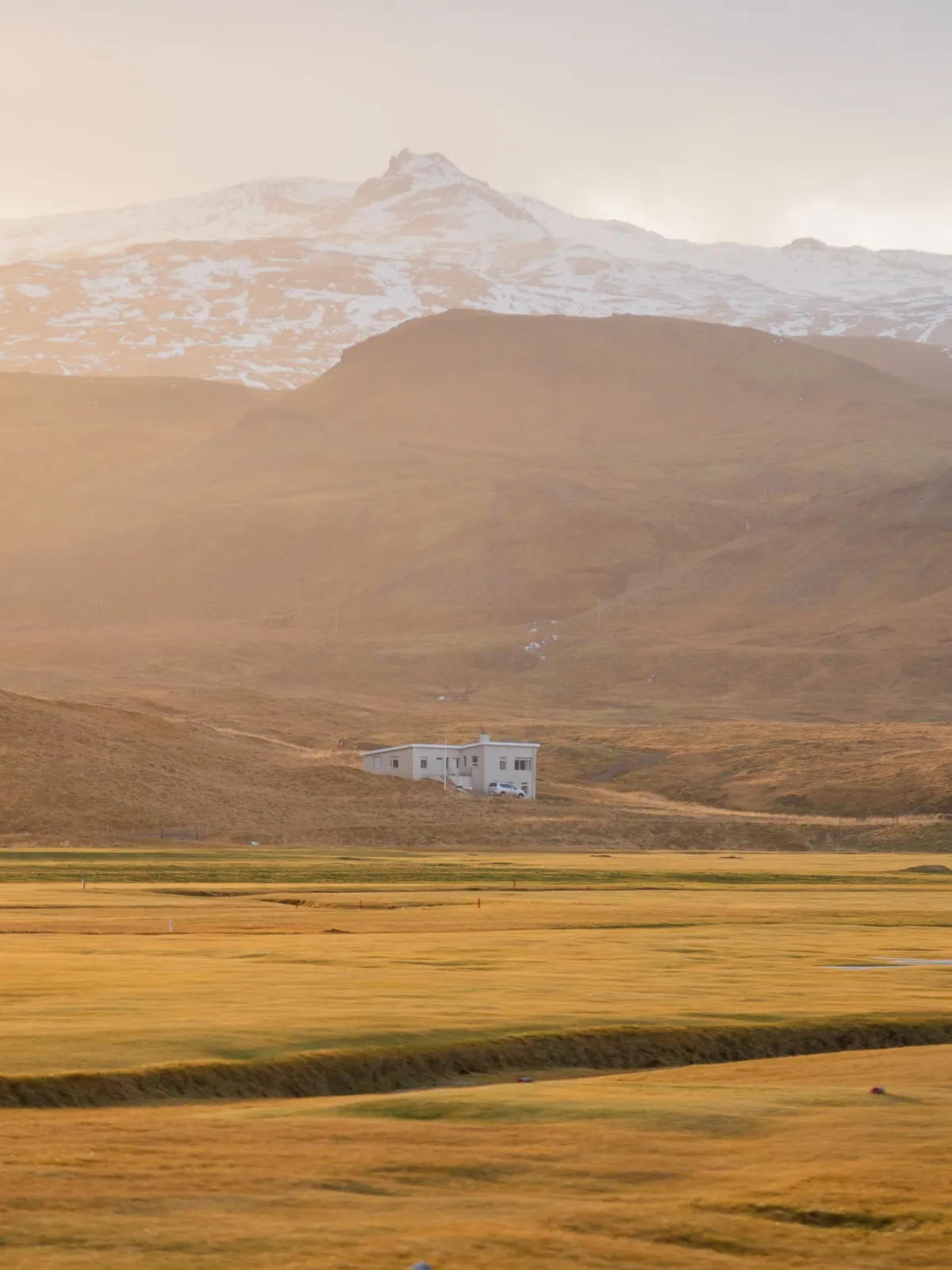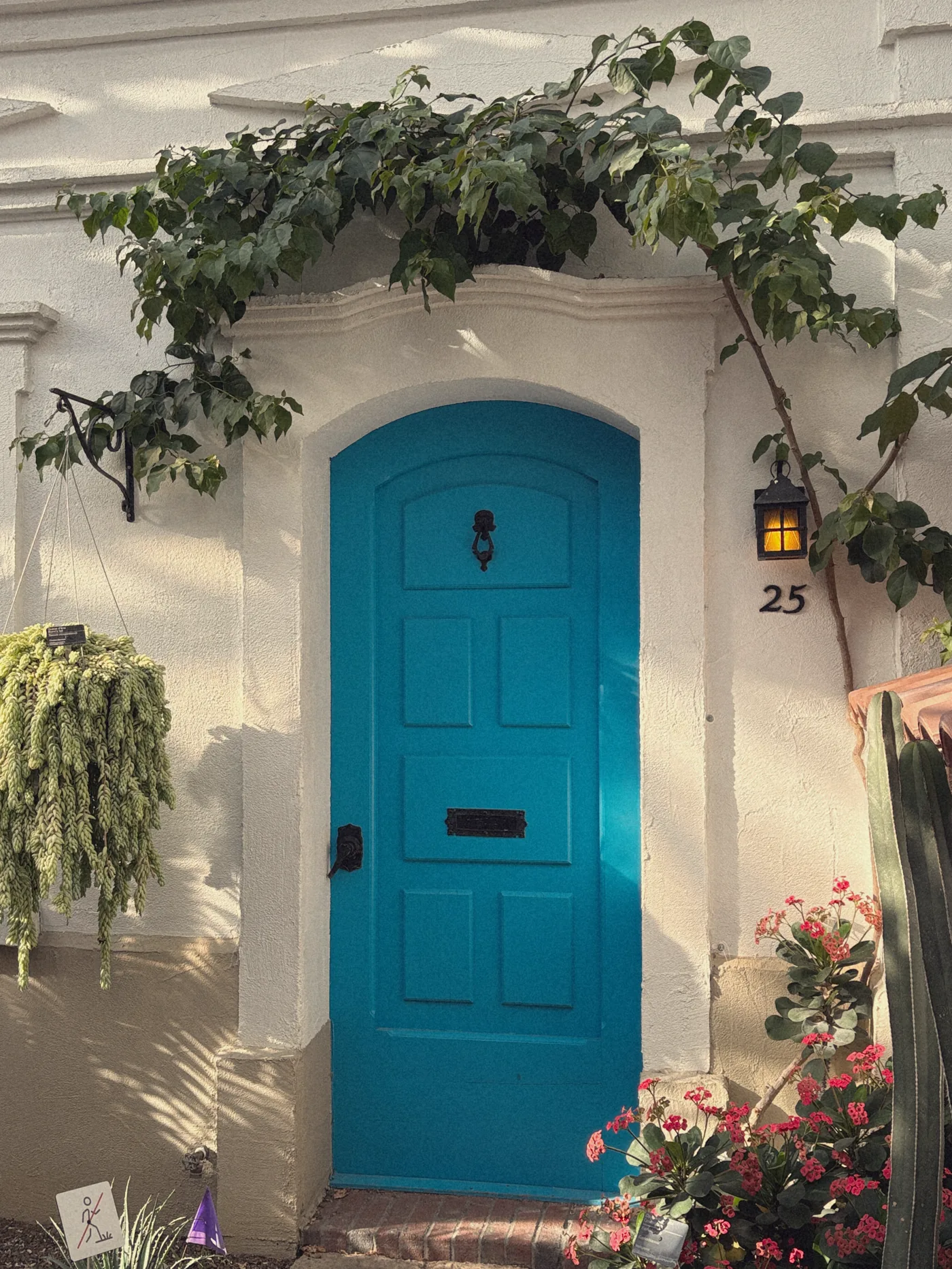
Three formats, one photograph. The file at the top of this page is 3:2. Further down are three crops of that same file — 16:9, 1:1 and 4:5 — made without moving the camera, adding light or changing anything except the edges.
That is the argument of this guide: an aspect ratio is a decision about what leaves the frame, made before the shot or after it, at different costs.
The short answer
Shoot in the shape that keeps the most of what your camera captured — 4:3 on an iPhone — and crop to the destination format later. Choose 16:9 or 1:1 in the camera app only when that frame is the final one and you want to compose to its edges while you shoot.
The reason is arithmetic. On a 12-megapixel 4:3 photo (4032 × 3024), a 16:9 crop keeps 9.1 megapixels, a 1:1 crop also 9.1, a 4:5 crop 7.3, because a tall crop from a 4:3 file throws away 40% of its width. Cropping later spends pixels you chose to spend; a format picked before the shot spends them before you can see what you are giving up.
What a crop removes, in one sentence
When you crop to a ratio, one side of the rectangle keeps its full length, the other is cut, and the cut is centred unless you drag it. A wider ratio cuts height. A taller ratio cuts width. A square cuts whichever side is longer.
The ratios themselves are only arithmetic: 4:3 is 1.33, 3:2 is 1.5, 16:9 is 1.78, 4:5 is 0.8, a square is 1. Wikipedia lists the rest; for a phone photographer, five of them cover almost everything.
The same scene, three times

The 16:9 crop keeps the full width and 84% of the height, split between the top and bottom edges: here, a thin band of bank and the closest water. The frame starts behaving like a screen — horizontal, calm, a little cinematic. Wide formats flatter long subjects (a ridge, a shoreline, a row of plates) and punish anything at the very top or bottom.

The square crop keeps 67% of the width. Bank and water still balance because they run horizontally, so the middle survives almost untouched, but the dark wooded slope that closed the right side is gone. A fair trade for anything shown small — thumbnail, grid, product tile — where a wide frame becomes a stripe anyway.

The 4:5 crop keeps 53% of the width. The photograph stops describing a wide stretch of water and starts describing a vertical slice of it: bank, then water, then more water. It is the tallest shape most feeds display without cropping, and of the three it loses the most information.
Look at all three at thumbnail size. The wide crop still tells you it was a wide place. The tall one tells you what the water was like. Both are true, and only one of them answers the question you were asked.
Where each format earns its place
4:3 keeps the largest area, so it leaves the most room for a decision later.
3:2 is the classic camera shape, inherited from 35 mm film: the one a phone photo shares with dedicated-camera work in the same project.
16:9 belongs to screens — video, a television, a wide banner — not to a wall.
1:1 survives being reduced better than the rest, because there is no long side to lose.
4:5 uses more of a phone screen than a square, which is why most feeds show it without cropping.
None of this is about looking professional. It is about matching the file to the place it will be seen, so an app does not make the choice for you.
The exception that matters
Shoot the final format in camera when two things are true: you know where the photo will be seen, and composing inside that shape would improve it. A wide frame forces you to fill the sides instead of leaving empty sky and empty foreground — a discipline worth an afternoon. The cost is real: the pixels above and below are gone, so you cannot change your mind in the other direction.
Second limit: cropping twice. A 12-megapixel file cropped to 4:5 keeps 7.3 megapixels, comfortable for a feed; crop that result again and you are at about 4 megapixels — fine on a phone, soft on a large screen. If you may need two crops, work from a duplicate.
Try it in five minutes
- Pick a scene with a clear top and bottom: a shoreline, a table, a street.
- Photograph it once at 4:3. Do not zoom, do not move, do not change the light.
- Duplicate the photo twice in Photos, so the original stays untouched.
- Crop the two copies to 16:9 and to a square. Both are in the iPhone crop tool's ratio list; if 4:5 is not, drag a corner handle until the frame is taller than it is wide. Turning the grid and the level on before shooting keeps the lines straight while you compose (Apple's camera tools guide).
- Put the three thumbnails side by side and answer one question: which one still tells you where you were standing?
- Next week, photograph the same scene again, choose the format before pressing the shutter, and see whether the composition improves or the frame just gets tighter.
The format decision happens twice: in the camera, then for the place the photo will live. BULB frames the scene and gives the reason in one sentence — you can see the composition tools — and if you want the next question, read centred or off-centre, or start from where to put the horizon.